Free during the beta No sign-up Nothing uploaded
A full photo editor, right in your browser.
Layers, masks, selections, 122 filters, layer styles, vector shapes and type, with Photoshop PSD files opened and saved as they are. Lamella Studio is a professional image editor that starts in a tab, and your pictures never leave your computer.



- Tools
- 70
- Filters
- 122
- Adjustments
- 22
- Blend modes
- 27
- Layer effects
- 10
- Panels
- 27
Every filter you reach for, previewed live.
Blur, sharpen, distort, stylize, render and the whole Filter Gallery — oil paint, watercolor, stained glass, neon glow — each with its own dialog and a live preview. Every one of these was made in Lamella Studio, from the same photograph.
 Oil Paint
 Watercolor
 Neon Glow
 Stained Glass
 Glowing Edges
 Crystallize
 Lens Flare
 Tilt-Shift
 Kaleidoscope
 Color Halftone
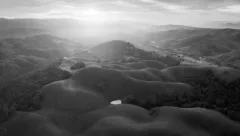 Black & White
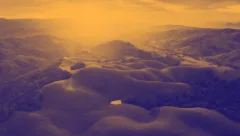 Gradient Map
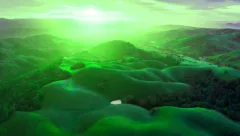 Hue/Saturation
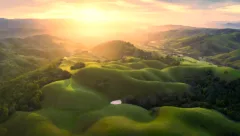 Color Lookup
 Pointillize
 Sumi-e
 Plastic Wrap
 Polar Coordinates
 Solarize
 Radial Blur
Everything a real editor has. Nothing you have to install.
Not a filter app with a crop button. The tools, panels and shortcuts you already know, working on real layers at full resolution.
-
Layers that behave
Groups, clipping masks, layer and vector masks, 27 blend modes, Blend If, knockouts, smart objects and artboards.
-
Precise selections
Marquees, lassos, the Magnetic Lasso, Quick Selection, Object Selection, the Magic Wand and Color Range, refined with feathering and Select and Mask.
-
Non-destructive color
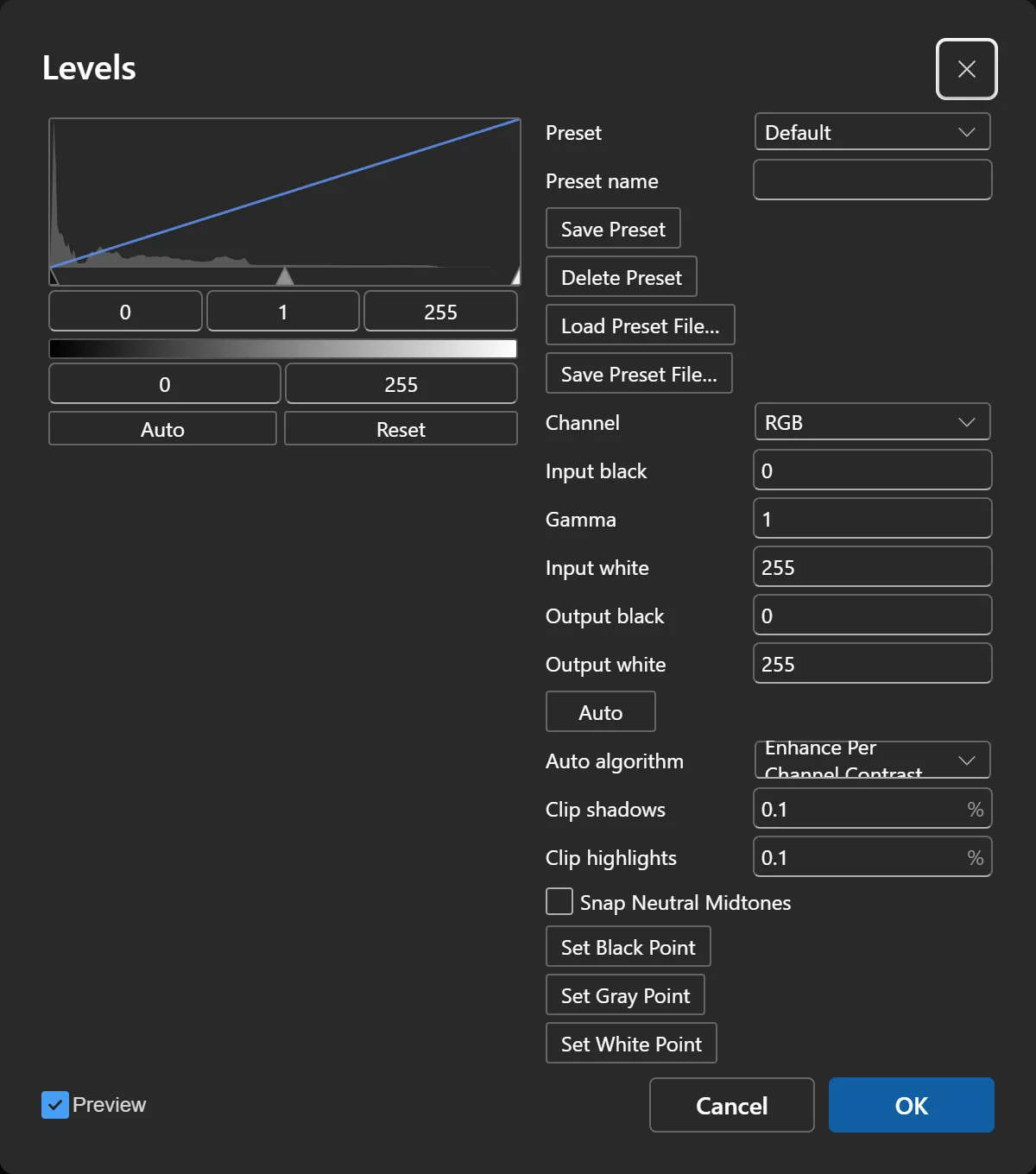
Levels, Curves, Hue/Saturation, Color Balance, Gradient Map and 17 more, as adjustment layers you can change at any time.
-
Paint and retouch
Brushes with dynamics and Photoshop .abr tips, the Mixer Brush, Healing Brush, Spot Healing, Patch, Clone Stamp and Content-Aware Move.
-
Vectors and type
The Pen, Curvature Pen and shape tools, path operations, type on a path, warped text, and character and paragraph styles.
-
Transform and warp
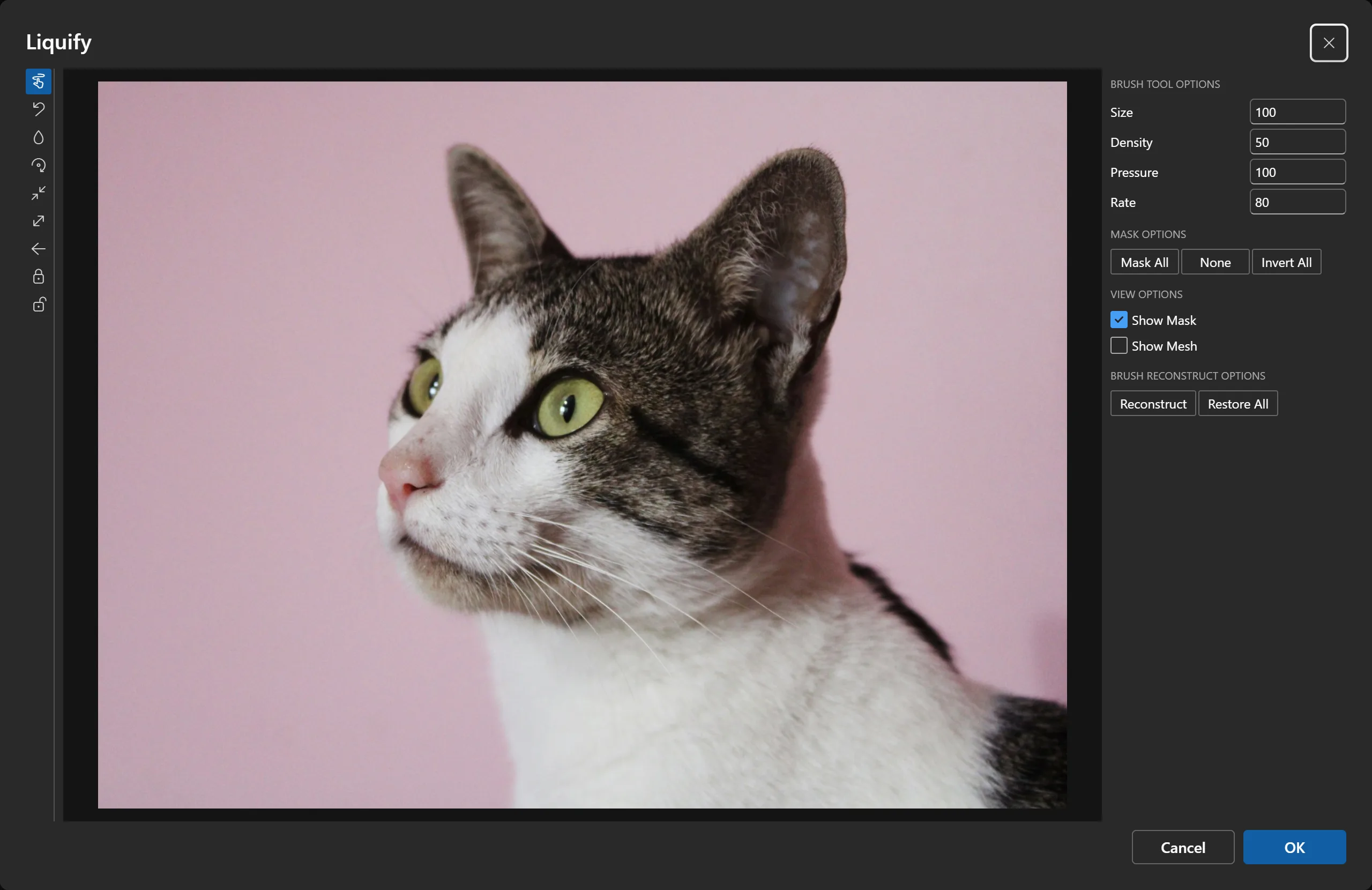
Free Transform, Warp, Puppet Warp, Liquify, Vanishing Point, Content-Aware Scale and the Perspective Crop.
-
Animation and video
Frame-by-frame animation exported as GIF, animated PNG or MP4 video, and frames imported from a video file.
-
Actions and batch
Record a sequence of steps once, with its dialog settings, and play it back over a whole folder of pictures. Photoshop .atn actions open too.
-
Deep color
Documents at 8, 16 or 32 bits per channel, in RGB, CMYK, Lab, Grayscale, Duotone, Indexed and Bitmap modes, with color profiles.
Opens your PSDs. Saves them back.
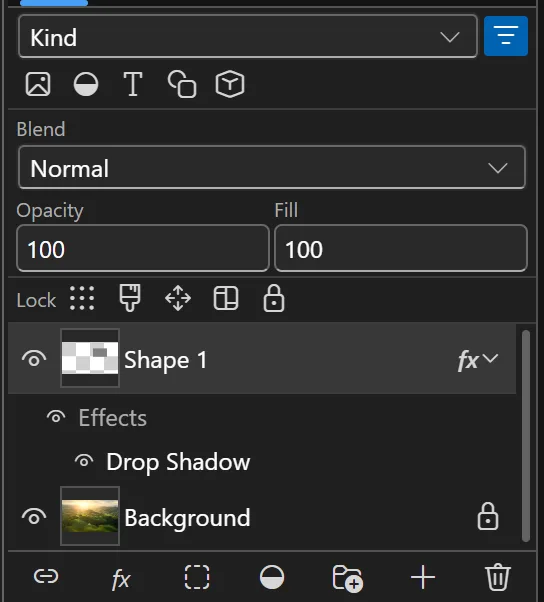
Photoshop documents arrive with their layers, groups, masks, adjustment layers, layer styles, smart objects and editable type, and leave the same way, so a file can go back and forth without being flattened.
Your presets come along too: brushes (.abr), patterns (.pat), gradients (.grd) and actions (.atn).
- PSD
- PSB
- PNG
- JPG
- WebP
- GIF
- APNG
- SVG
- BMP
- ICO
- AVIF
- HEIC
- MP4
- .abr
- .pat
- .grd
- .atn
Your pictures never leave your computer.
Lamella Studio does all of its work inside your browser. There is no account to create, no upload, no cloud storage and no ads — a picture is opened from your disk, edited in this tab and saved back to your disk.
Questions
Is Lamella Studio free?
Yes. It is free to use during the beta, with no account and no sign-up.
Are my pictures uploaded anywhere?
No. Pictures are opened, edited and saved inside your browser. No server ever sees them.
Can it open Photoshop files?
Yes. It opens and saves PSD and PSB files with their layers, masks, adjustment layers, layer styles and editable type, and reads Photoshop brush, pattern, gradient and action files.
Do I need to install anything?
No. It runs in a modern browser on Windows, macOS, Linux and ChromeOS. In Chrome and Edge, Save writes straight back to the file you opened; other browsers save a download.
Is there a desktop version?
Yes. Lamella Studio for Windows is in the Microsoft Store and free during the beta, and installed during the beta it stays free for you when the beta ends. It opens pictures straight from File Explorer and runs without a browser.
What if I find a bug?
The application is in beta. Click the red bug at the top right of the editor to send us an email, or write to workstation-master.com@outlook.com.
Your next edit is one click away.
Open the editor
More to love
-

Workstation Master
Useful hand-crafted PC & Mac Applications just for you
-
Wear Master
Dozens Wear OS hand-crafted Watch Faces and Applications just for you